Category: Help Center
-
How to schedule YouTube Shorts?
“How to schedule YouTube Shorts” is a question that many creators are asking because scheduling has become an important part of an effective social media strategy. With the rise of mobile-first content, scheduling your Shorts ensures your videos are published at the perfect time to maximize reach and engagement. This guide will walk you through…
-

How to create hashtags using AI
In the constantly shifting world of social media, hashtags are more than just a trend; they’re a powerful tool to enhance your visibility and engagement. However, crafting the perfect hashtags can be challenging and time-consuming. According to the statistics, posts from accounts with fewer than 1,000 followers receive 29% more interactions when they use at…
-

How to add a category to a YouTube video
In the bustling world of YouTube, standing out is more important than ever. With millions of videos uploaded daily, how can you ensure your content reaches the right audience? One of the most effective ways is by categorizing your videos accurately. Categories help YouTube’s algorithm understand the context of your content, making it easier for…
-
How to upload YouTube Shorts?
Learning how to upload YouTube Shorts is a necessity in this social media era as it can help you reach over 2 billion monthly active users. More importantly, there are multiple ways of uploading YouTube Shorts via YouTube Studio or the powerful YouTube scheduler – ContentStudio. In this comprehensive guide, we will cover everything you…
-
How to schedule repeat posts on Threads
Scheduling your social media posts can be a lifesaver, especially if you manage multiple platforms like Threads. As more users flock to Threads, staying consistent with your content has become more crucial than ever. But keeping up with regular posting—especially repeating important updates—can feel like a full-time job. That’s where scheduling tools like ContentStudio come…
-
How to block someone on TikTok?
Getting positive and negative comments is part and parcel of being on any social media platform, including TikTok. If you are receiving negative comments and want to get rid of them or simply don’t want someone to view our TikTok profile, you can block the users. With the continuous use of hate speech on TikTok,…
-
How to turn on Pinterest dark mode?
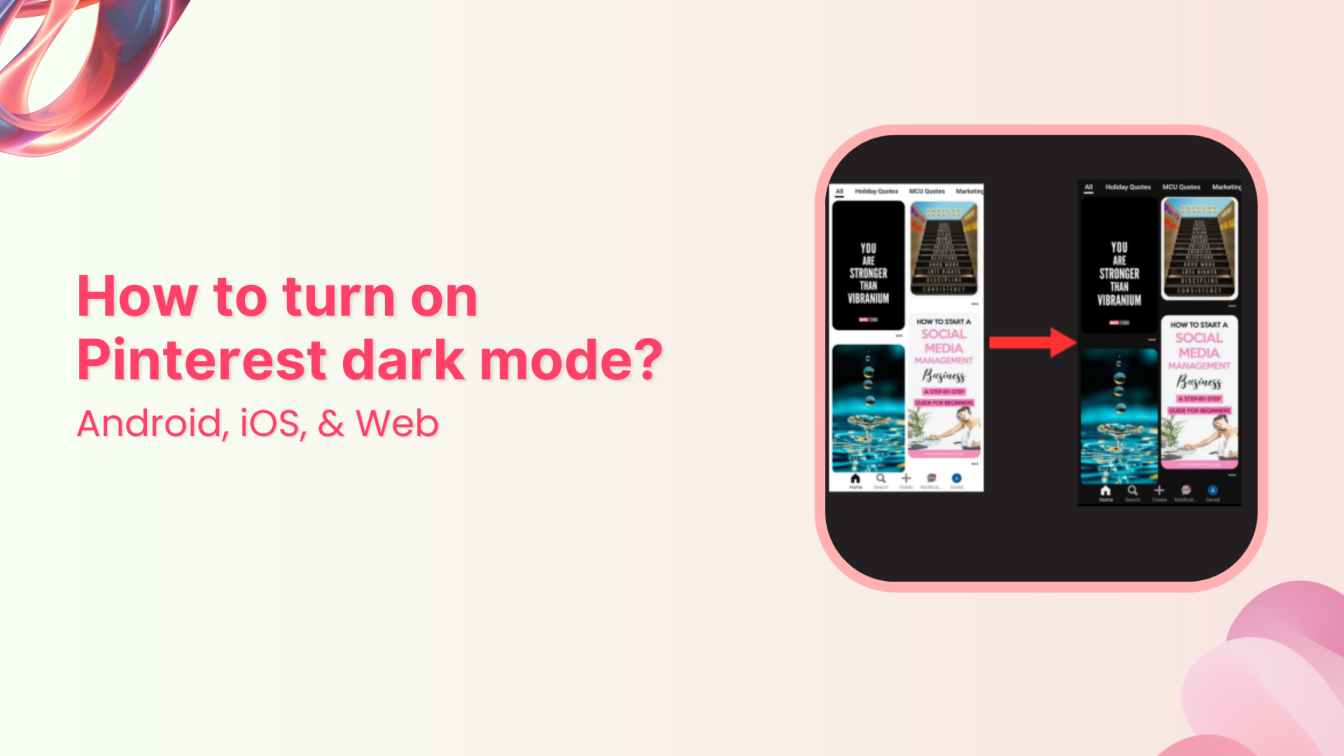
If you’re wondering, “Does Pinterest have dark mode?”—the answer is both yes and no. Here’s the deal – Pinterest doesn’t have a dedicated dark mode switch within the app itself. Instead, it follows your device’s system settings. This means if your Android or iOS device is set to dark mode, Pinterest will automatically change to…
-
How to schedule posts on X and Threads at the same time?
X (formerly known as Twitter) and Threads have emerged as two of the most popular microblogging platforms. Both platforms help engage in quick, real-time conversations with target audiences. While X offers a well-established space for concise and impactful messaging, Threads brings a fresh, community-driven discussion approach. Maintaining an active presence on both X and Threads…
-
How to post on Pinterest? Start Pinning like a pro
Have you ever discovered a perfect recipe, found your dream home decoration, or got inspired by a fashion post matching your style – all during a single social media scroll? That’s the magic that over half a billion people experience at Pinterest. But it all starts with learning how to post on Pinterest to reach…